Twitter (X) Video Download

By using our service you accept our Terms of Service and Privacy Policy

How to download Twitter (X) videos?

1. Copy share link, choose one of the two options

Option 1

copy twitter link 1

Option 2

copy twitter link 2

2. Paste share link into the search box
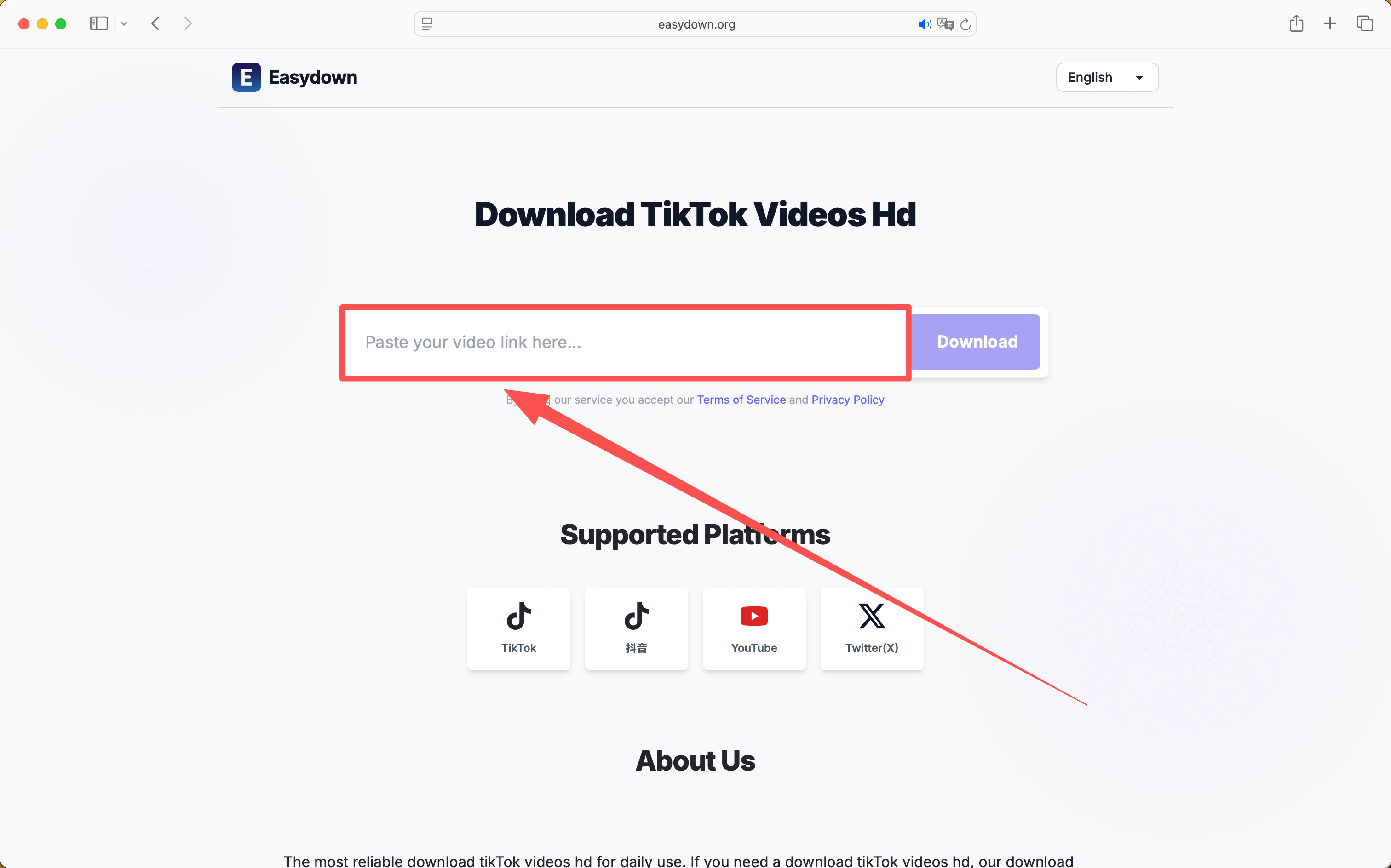
paste twitter link

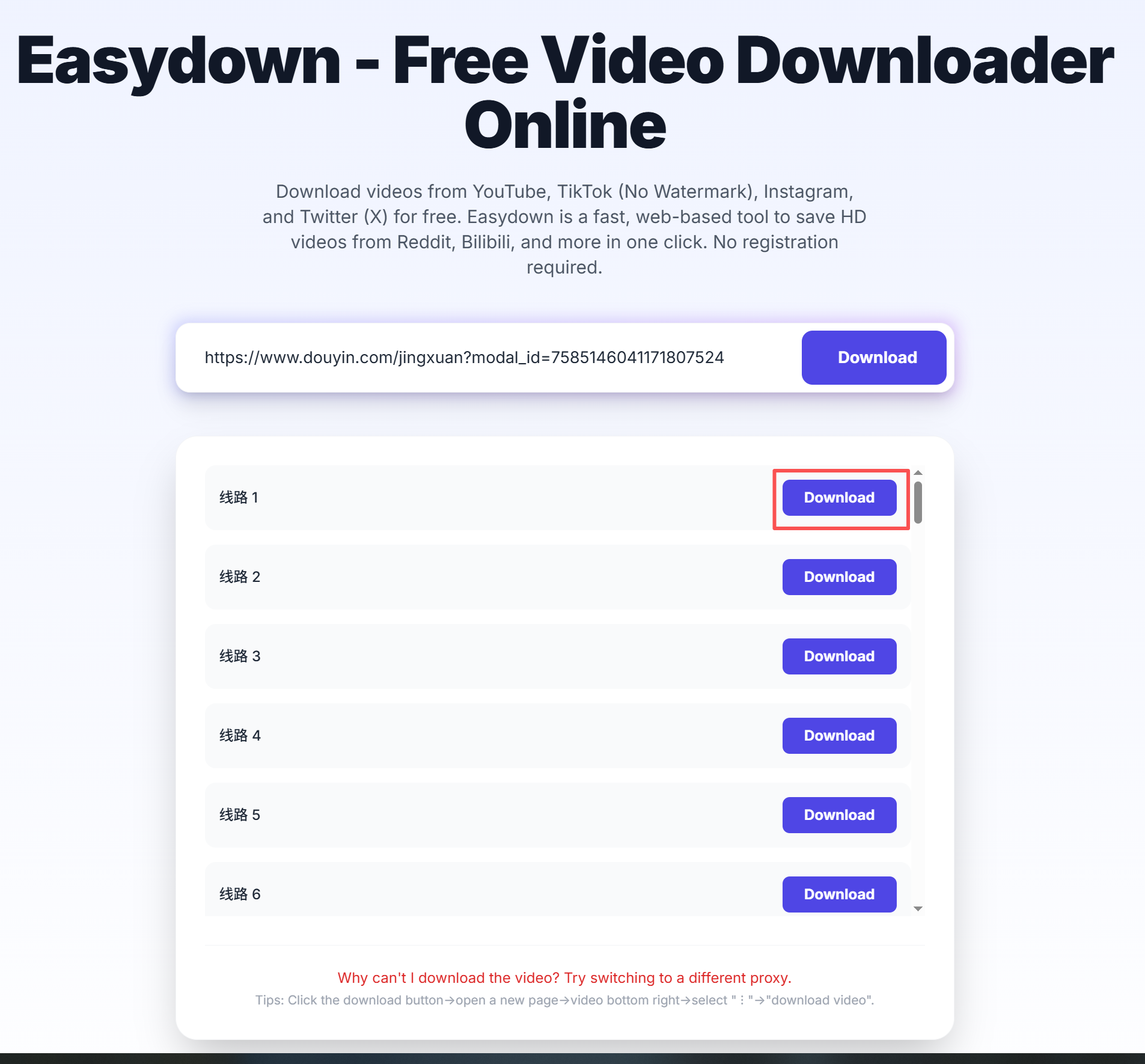
3. Click the "Download" button

step 1
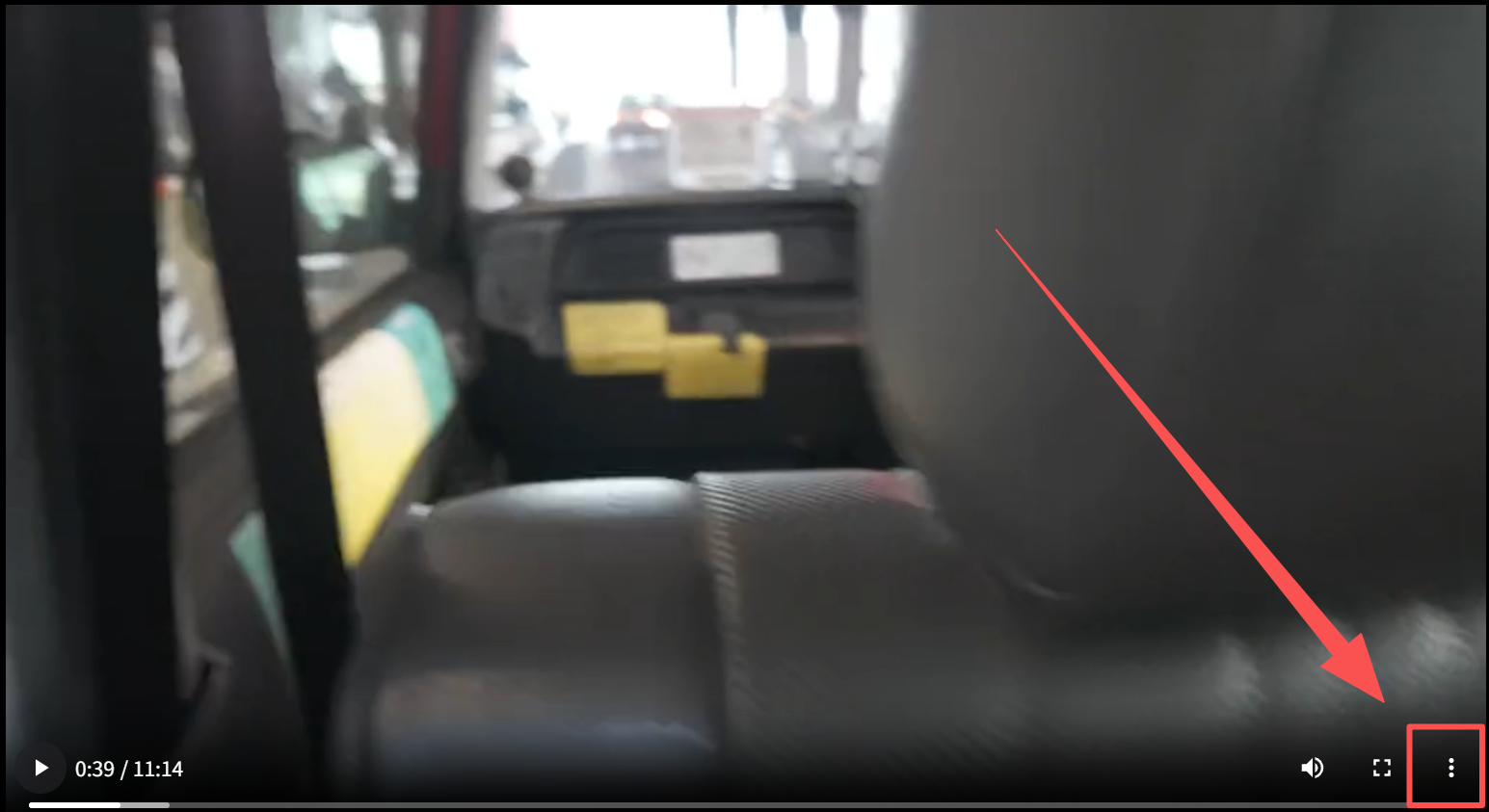
step 2
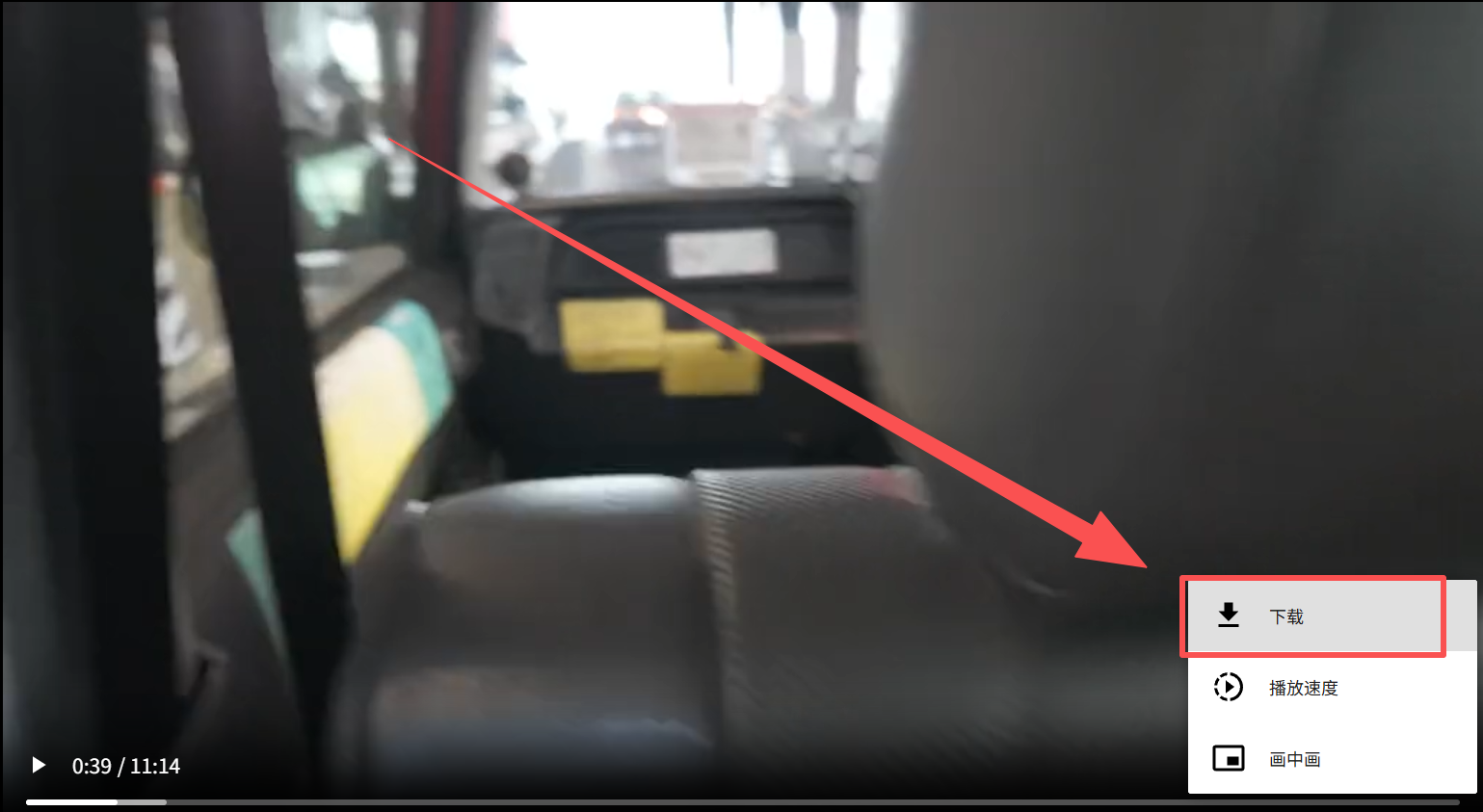
step 3

Why Choose Easydown?

The ultimate professional solution for high-quality video downloads.

Lightning Fast

Multi-thread technology ensuring high-speed video downloads.

Watermark-Free

Download clean videos without any platform watermarks.

HD MP4 Support

High-quality MP4 downloads with resolutions up to 4K.

Multi-Line Backup

Multiple video sources and backup lines to ensure 99% success.

Free & No Login

Completely free to use. No registration or login required.

Multi-Platform

Seamlessly download from all your favorite social media.

Twitter (X) Video Download - High Quality Online Video Downloader

Ever scrolled through your feed and found a clip you wanted to save for later? Our tool simplifies the Twitter (X) Video Download process by removing unnecessary steps. Unlike other platforms that force you to sit through long ads or fail to parse links, we have engineered a snappier, more reliable engine. Whether it's a breaking news clip or a viral meme, you can trust our service to fetch the media quickly so you can enjoy your favorite content offline.

The best part about using Easydown is our commitment to original quality and user privacy. We don't track your history or compress your files into low-resolution formats. This Twitter (X) Video Download works seamlessly in any browser—no suspicious app installations required. From mobile to desktop, it provides a clean, 100% free way to handle all your X media needs without the usual technical headaches.

Frequently Asked Questions (FAQ) - Easydown Support

What is Easydown and why is it the best TikTok downloader?
Easydown is a powerful **no watermark video downloader**. We use advanced parsing technology to provide the **best way to download TikTok videos** in HD MP4 format without any logos or watermarks, unlike other services that reduce quality.
How to download TikTok videos without watermark for free?
Simply copy the URL of the video, paste it into our **TikTok to MP4 converter**, and click Download. Easydown is a **free TikTok download without watermark** service that works instantly in your browser.
Can I download TikTok videos on iPhone, Android, or PC?
Yes! Easydown is a web-based **TikTok video downloader with link**. It supports all devices. You can learn **how to download TikTok videos on iPhone** using Safari, or use any browser on Android and PC.
Does Easydown support TikTok to MP4 HD 1080p?
Absolutely. Our **TikTok to MP4 HD** engine fetches the original high-resolution file. If the source is 1080p or 4K, our **mp4 downloader TikTok** tool will provide that exact quality.
Is there a limit to the number of videos I can download?
No, you can **download all TikTok videos** you want. We provide unlimited access to our **no watermark video downloader** for everyone, 100% free.
How to download TikTok sound to MP3?
After pasting the link into our **TikTok downloader MP4** tool, you will see an option to extract audio. Click it to **download TikTok sound to MP3** high quality.
Why is my TikTok link not working?
Ensure the video is public and the link is correct. If the error persists, it might be due to a private account or region restrictions. Easydown is the most stable **TikTok video downloader with link** parsing.
Do I need to install any extension or helper?
No! Unlike SaveFrom, Easydown does not require any "helper" or extension. You can **download TikTok video no watermark** directly via our website on any browser.
Is Easydown safe and anonymous?
Yes, we do not store your personal data or download history. We provide a secure environment to **download TikTok videos** anonymously.
Does it support Douyin (Chinese TikTok) downloads?
Yes, Easydown is also a professional **Douyin video downloader**. You can **download Douyin videos without watermark** using the same process.
Can I download Twitter (X) videos here?
Yes, we are an all-in-one **video downloader**. You can use Easydown to **save Twitter videos to MP4** easily.
Where are my downloaded TikTok videos saved?
By default, files are saved in your device's "Downloads" folder. You can check your browser's download history (Ctrl+J on PC) to find the path.
What if the video starts playing instead of downloading?
On PC, right-click the "Download" button and select "Save link as...". On mobile, long-press the button and select "Download linked file".
Is there any cost to use Easydown?
No, it is a **free TikTok to MP4 downloader**. We maintain our servers through minimal ads, ensuring the service stays free for everyone.
How to contact Easydown support?
If you have any questions or feedback, feel free to email us at **contactus@easydown.org**. We are always improving our **TikTok video downloader**!
Twitter (X) Video Download - High Quality Online Video Downloader