1
Step 1
Copy the Xiaohongshu share link from the app.
Option 1

Paste a public Rednote or Xiaohongshu link to check available video and image files in your browser. Private, expired, or incomplete links may not load.
Paste a public link, choose a format, then save it locally.
Private, expired, or region-limited posts may not be available.
Paste a public link, choose a format, then save it locally.
By using our service you accept our Terms of Service and Privacy Policy
Service note
Xiaohongshu / RedNote parsing now requires EasyDown API credits. Use an API token with available credits; each successful Xiaohongshu parse costs 10 credits.
A simple guide to download videos using Easydown
Step 1
Step 2
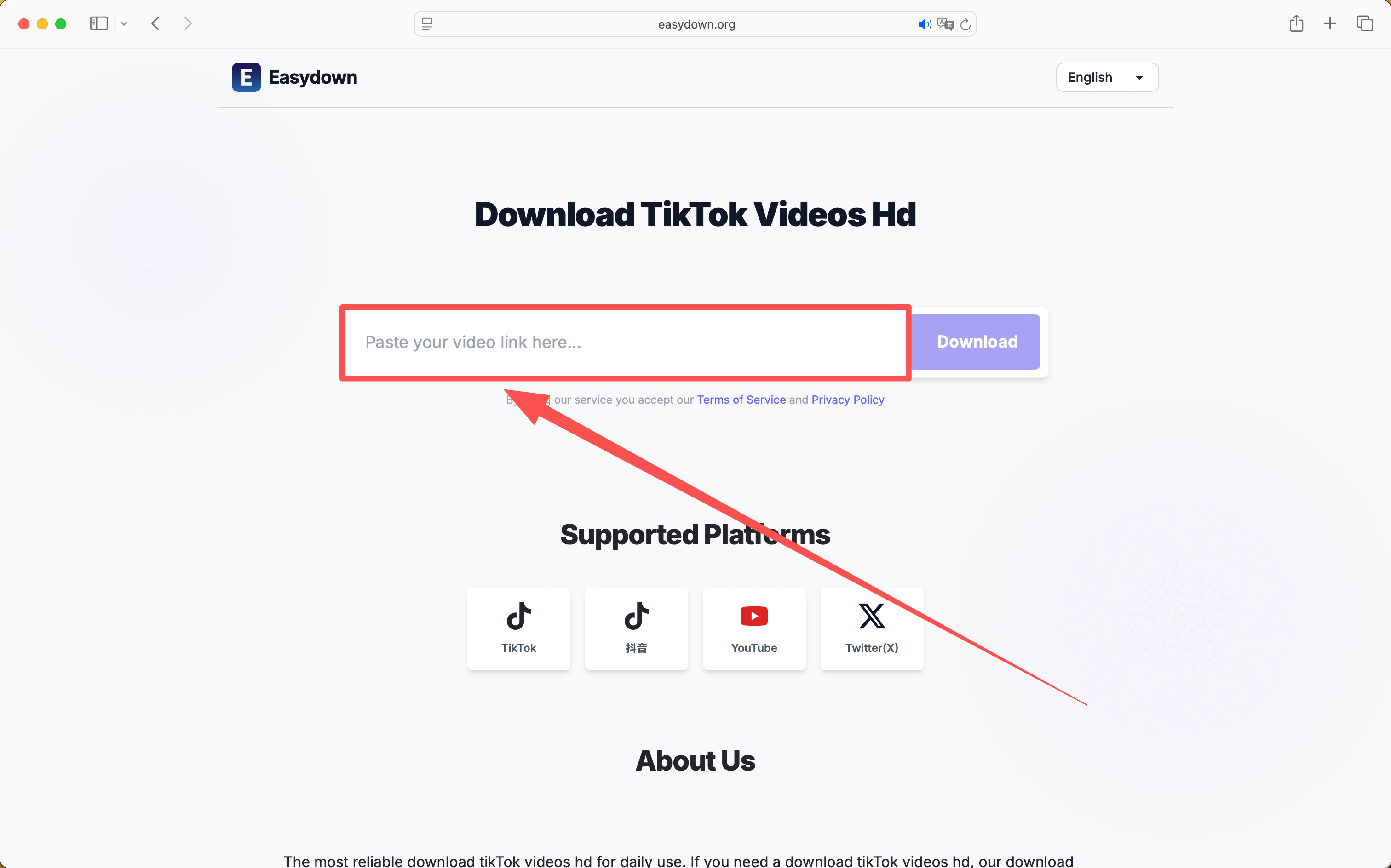
Step 3
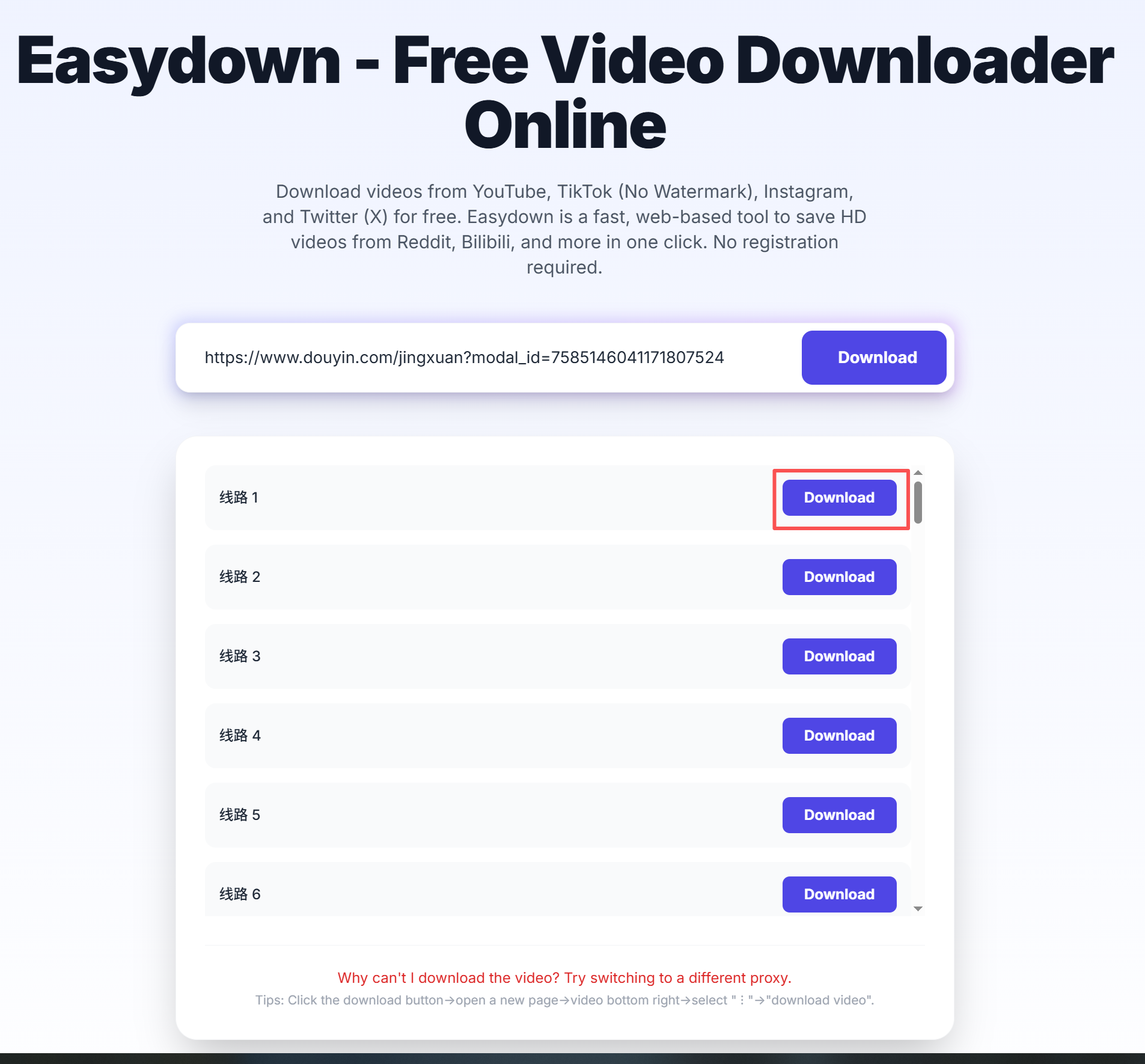
The most common download tasks are grouped below so you can jump straight to the part that matches your situation.
If the post is public, Easydown can load the original media file behind the share link. This is the most direct fit for people searching for Rednote or Xiaohongshu video downloads without the watermark.
This page is not limited to video-only posts. Multi-image notes can also be loaded from a public link, which makes it useful for people trying to save Rednote content on a phone without extra apps.
When a post does not load, the link is often incomplete, expired, or no longer public. Reopen the original note, copy the full share link again, and then retry the parser.
Capability evidence
This section is generated from the same URL and response contract used by the web downloader, REST API, and MCP tool. It records observable behavior without publishing a creator name, post ID, screenshot, or temporary media URL.
Reviewed 24 August 2026A public URL pattern was entered in the browser flow. URL detection and the current response contract were checked; a complete media result can still depend on human verification, source availability, region, and an unexpired post.
Profiles, search pages, collections, private notes, deleted notes, login-only media, and region-unavailable content are unsupported.
Use this page for public links that you can open in a browser. The exact result depends on what the source platform exposes for that post.
Public RedNote video, image, and carousel notes; xhslink.com/o and xhslink.cn/o short links; and Xiaohongshu or RedNote note URLs.
Open the original public post, copy the full share URL, paste it into Easydown, then choose from the files that appear in the result panel.
Videos and image files can appear together when the public note contains both media types.
Private notes, removed posts, expired short links, or incomplete app share text may not load.
Easydown is designed for quick browser-based parsing of public links. Save content only when you have the right to use it, and follow the rules of the original platform and local law.
The page hints, FAQ, and result panel are designed to make file type, audio availability, and common failure reasons easier to understand.